
How to play The Cradle full screen on iPhone
By Encrypted Cat / 0xKOT · Originally published on itch.io
The Cradle runs on phones now. One thing iPhone players keep asking: how do I get rid of the browser bars?
Safari on iPhone doesn’t let web games go full screen with the usual button. There’s a simple trick, though, and it takes about 20 seconds.
Step 1: Open the game page in Safari It has to be Safari itself, not the browser built into Instagram, Telegram, Discord and similar apps. If you tapped a link inside one of those, choose “Open in Safari” first.
Step 2: Tap Share It’s the square with an arrow pointing up. On newer iOS versions it may be inside the ⋯ menu.
Step 3: Tap “Add to Home Screen” Make sure Open as Web App is switched on if you see it, then tap Add.
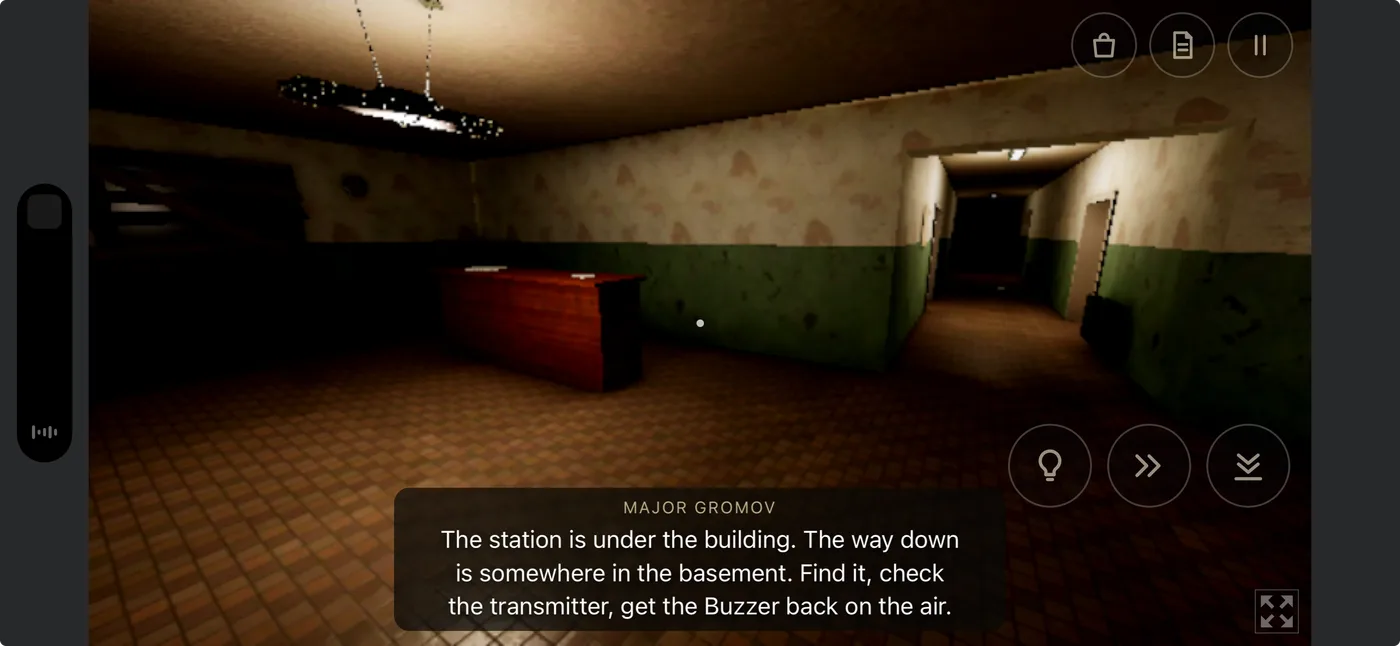
Step 4: Launch the game from the new icon Your Home Screen now has a Cradle icon. Open it, tap Run game, and turn your phone sideways. No address bar, no toolbars: just the station, the dark, and whatever is waiting down there.
 \
\
A few tips
- Your saves: the Home Screen version keeps its own save, separate from Safari. If you already started in Safari, you’ll begin again. Once you’ve finished the game, you can jump back to any part from the Chapters menu.
- Silent mode: the game plays sound even with the silent switch on. You can change this in Settings → Sound.
- Headphones: strongly recommended. The Nanny hunts by sound, and so should you.
- Older iPhones: on iOS 18 and earlier, the icon may still open with Safari’s bars. Updating iOS fixes it.
- iPad and Android: you don’t need any of this. Just tap the full-screen button under the game.
If it doesn’t work on your phone, tell me in the comments which iPhone and iOS version you have, and I’ll look into it.
Don’t look at the children too long. 🎧